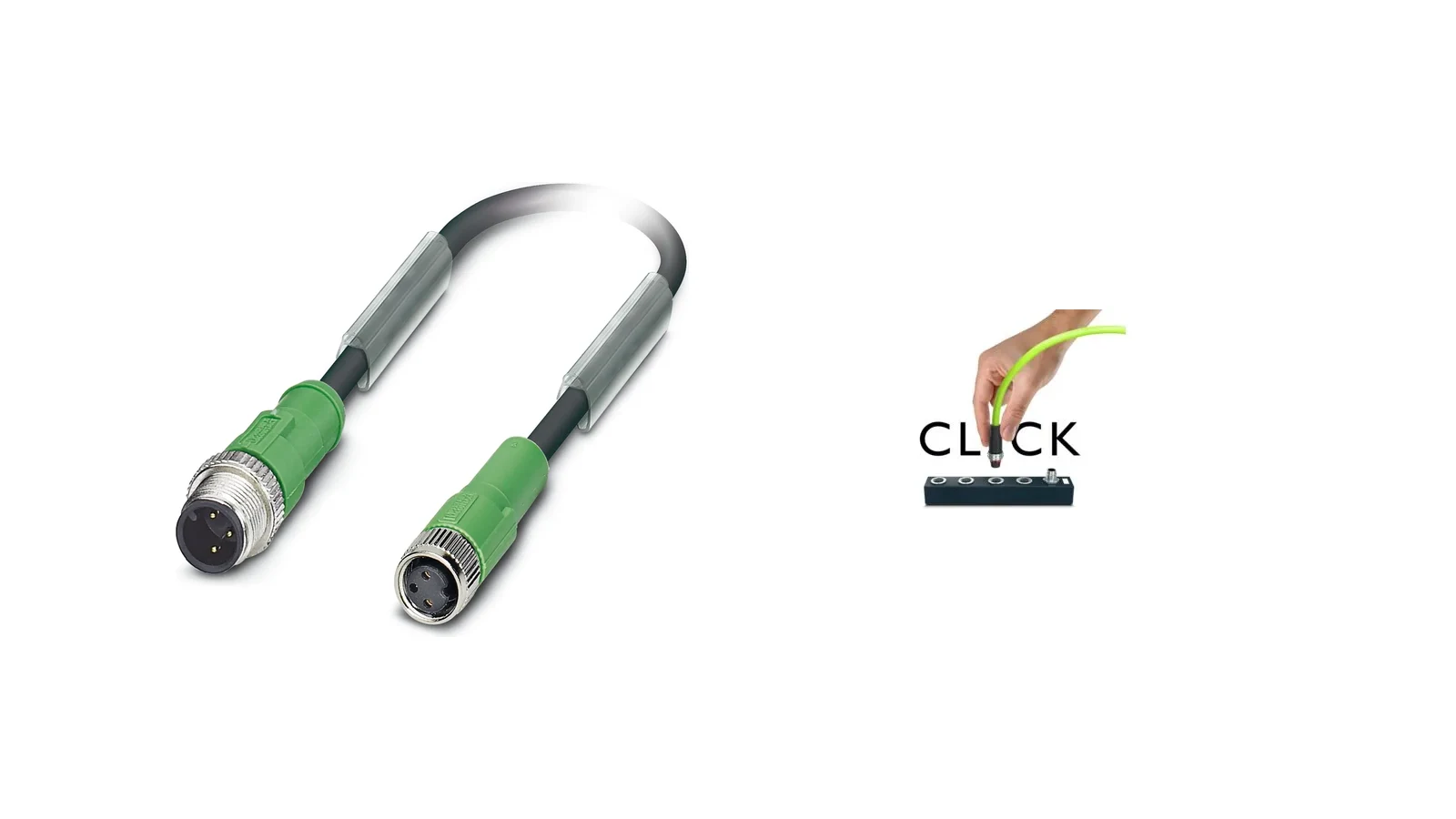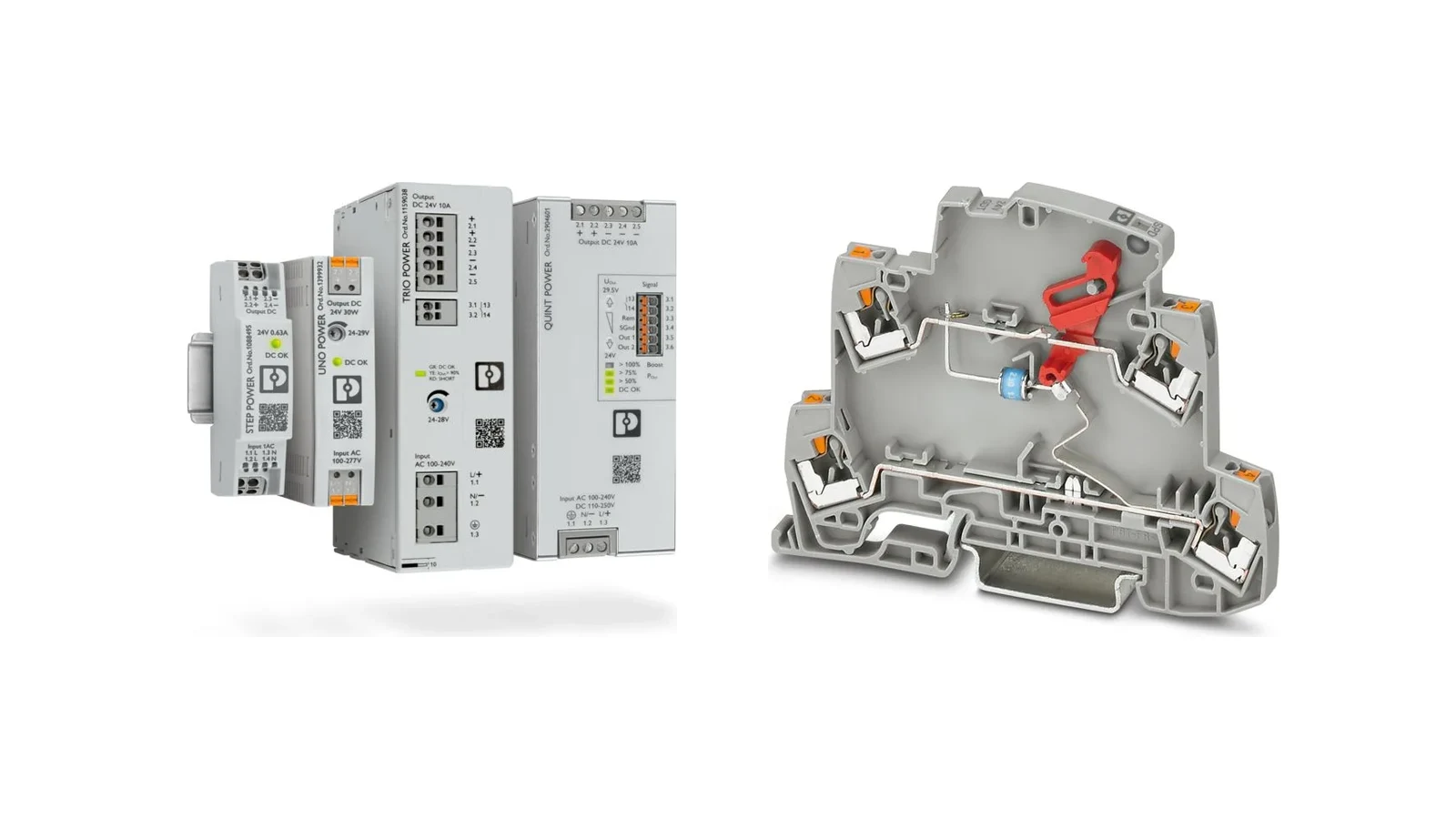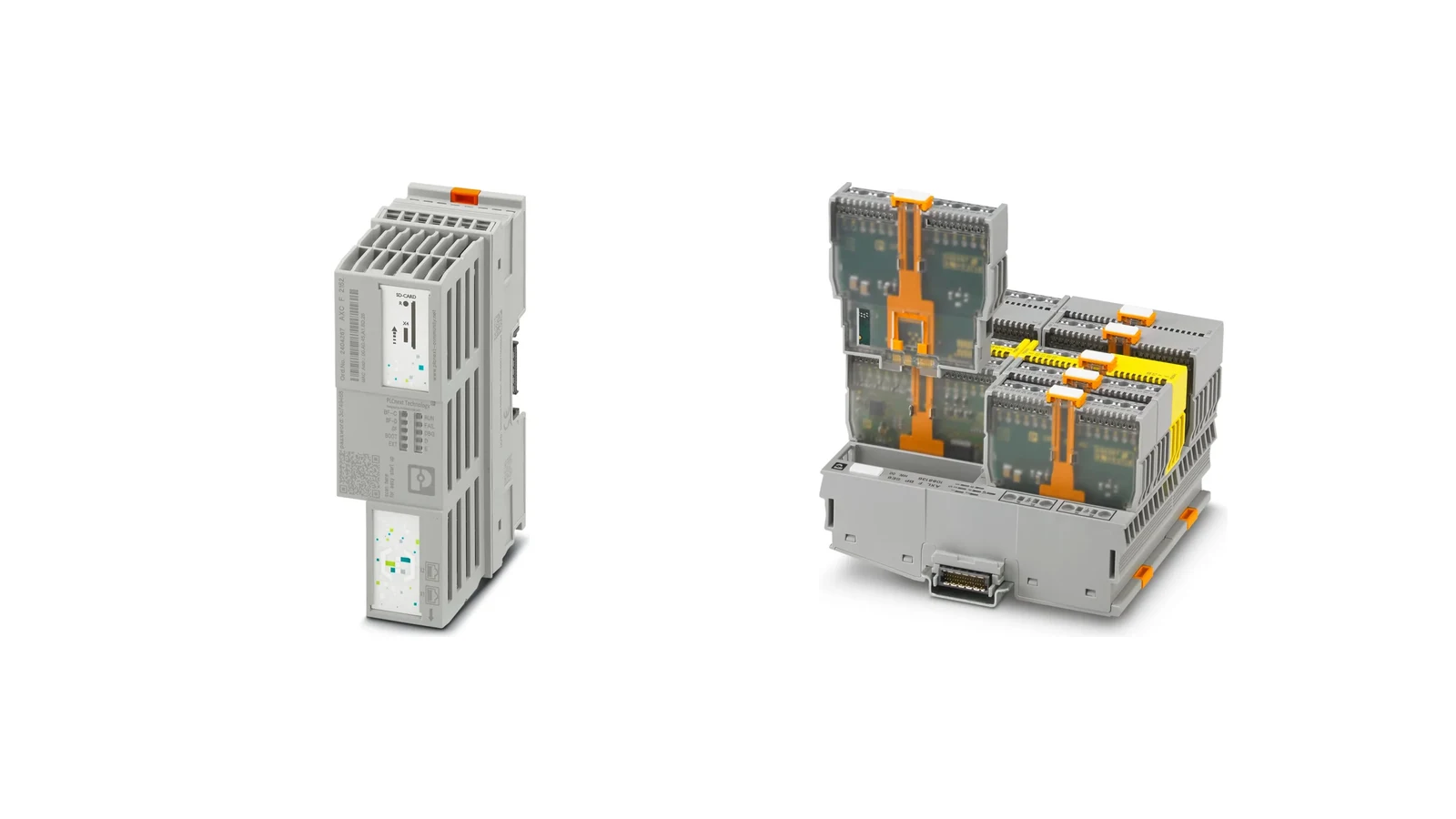






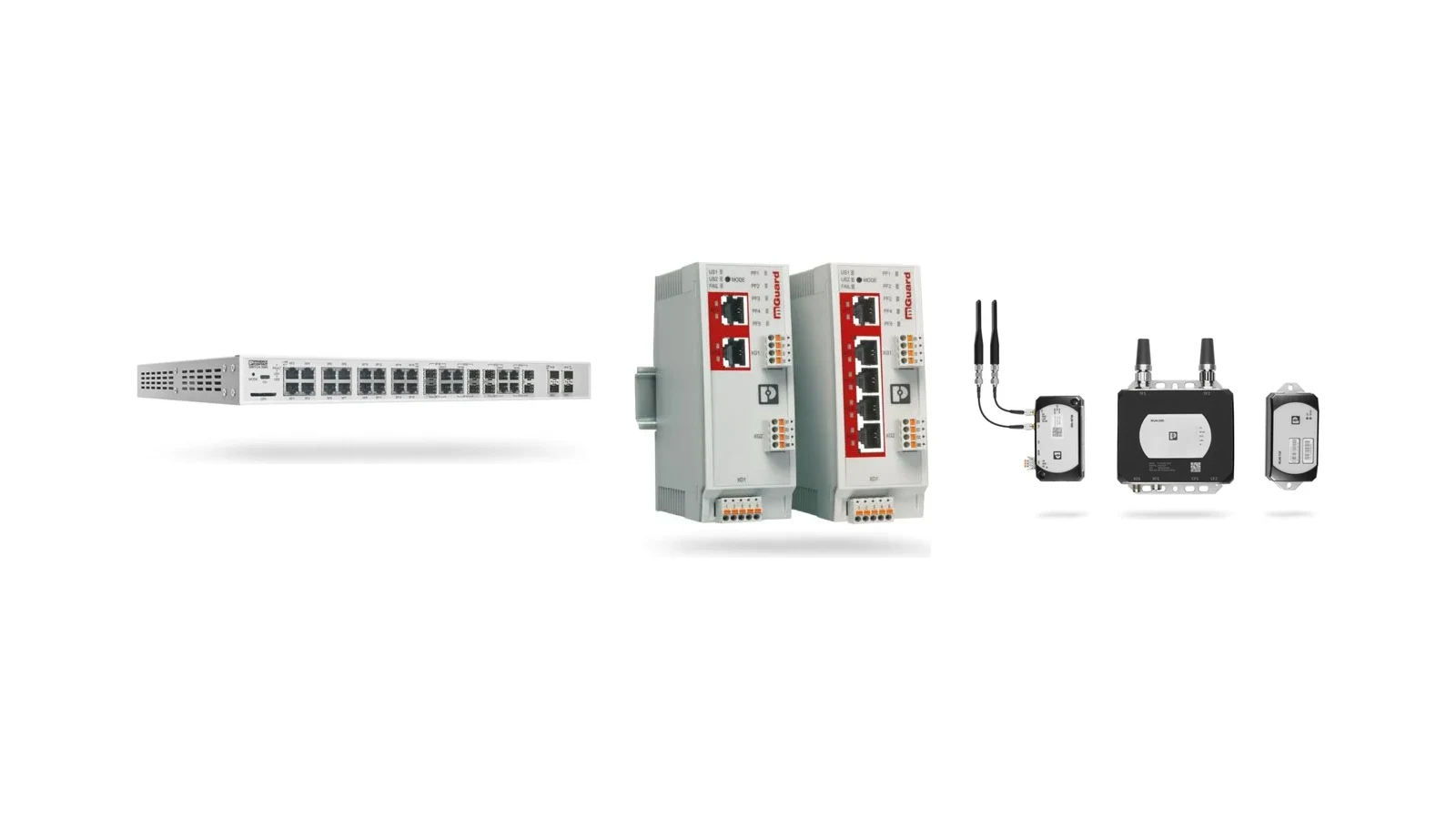
“Industrial Management and Automation” is not the name of a product family within Phoenix Contact’s official organizational structure, but rather one of the company’s three main business areas. This area encompasses a wide range of automation technologies, including PLCnext Technology, I/O systems, industrial communication solutions, functional safety components, and industrial computers. For visitors looking for specific products, a more precise term would be “Industrial Communication and Network Technologies.” This guide focuses on the network aspects of this broad business area, detailing solutions such as switches, routers, firewalls, gateways, wireless communication systems, and media solutions.
In the design of industrial networks, the primary question is not which brand of components to use or how many ports to include, but rather which data needs to be transmitted within what time frame and with what level of error tolerance. The real-time communication between PLCs and remote I/O devices, HMI display data, engineering access systems, camera feeds, maintenance VPNs, and connections to higher-level systems all require different approaches. Phoenix Contact’s product portfolio offers components that can meet various communication requirements, ranging from field-level applications to control systems at higher levels. However, the selection of devices should not be made without first defining the network topology, protocols, bandwidth requirements, redundancy mechanisms, network segmentation, cybersecurity measures, and environmental conditions.
Start by mapping data flows and topology
A healthy industrial network project begins with the visualization of all devices on a diagram. Controllers, remote I/O devices, HMI panels, drives, robots, image processing systems, switches, routers, wireless access points, gateways, and connections to higher-level systems are grouped according to their functions. For each connection, details such as the physical environment, port speed, protocol, expected average and peak traffic volumes, allowable latency, synchronization requirements, and failure modes are recorded. This approach helps to avoid the selection of unnecessarily high-capacity products or the overlooking of critical connections.
The decision regarding whether to use a star, ring, mesh, or hybrid topology should be based on the physical layout of the machine and the desired level of availability. Simply connecting devices in a ring configuration does not necessarily ensure network redundancy; the redundancy protocol supported by the switches, the cycle time, the behavior of the ring manager, and the behavior of the end devices must all be compatible. It is also necessary to determine the appropriate distances for copper Ethernet cables, the sections that require fiber optic cables, the locations for the control panel and the field devices, as well as the methods for cable shielding and grounding. If both ends of a switch equipped with a backup power supply are connected to the same circuit breaker and the same power source, the risk of a common cause failure remains.
Selecting unmanaged and managed industrial switches
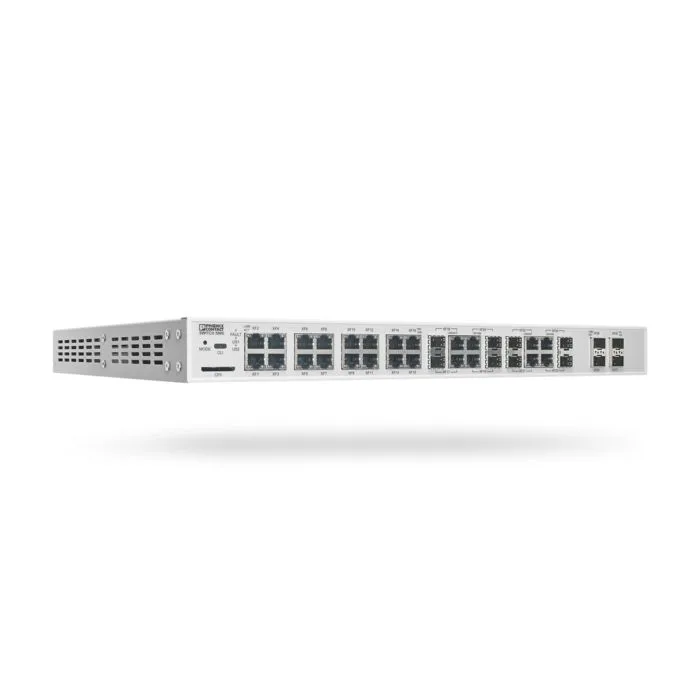
Phoenix Contact’s FL SWITCH portfolio offers both unmanaged and managed Ethernet switches, featuring various interface options such as Gigabit, PoE, copper, and fiber. Unmanaged switches provide easy commissioning in small, fixed installations where no network management functions are required. When the number of ports, speed (10/100 or Gigabit), mechanical mounting, or environmental conditions are sufficient, they can represent a cost-effective solution. However, in cases where network traffic segmentation, diagnostic capabilities, port mirroring, redundancy features, PROFINET integration, security requirements, or precise timing are necessary, managed switches are the preferred choice.
Within this product family, there are various types of enclosures available, ranging from DIN rail-mounted control panels to 19-inch chassis devices and field-ready IP-protected products. For example, the FL SWITCH 1000 and 1100 series offer compact solutions for standard applications, while the 1600 and 1700 series are designed specifically for field conditions. The FL SWITCH 5900 series is intended for use in applications requiring a high port density. These series names are not precise technical specifications; the port-speed matrix, SFP type, operating temperature range, power requirements, certifications, software features, and mechanical dimensions should be confirmed based on the selected order code.
Compare more than the port count
For a switch, the availability of empty ports is important, but the type of ports is even more decisive. Copper RJ45 ports, M12 field connections, SFP fiber slots, and PoE ports each serve different purposes. When selecting an SFP module, it is necessary to ensure that the mode of the fiber (single-mode or multi-mode), the wavelength, the connector type, the optical power budget, and the transmission distance are all compatible. In the case of PoE functionality, the switch’s total power budget and the power class of each port must be matched with the maximum power consumption of the connected devices, such as cameras or access points. Providing power over the communication cable can eliminate the need for a separate 24V power line, but it places greater emphasis on ensuring the continuity of power supply and managing heat generation within the switch itself.
Management functions are aligned with actual needs. VLANs help to separate broadcast domains and security zones; QoS allows prioritizing time-critical traffic; SNMP or web-based diagnostics provide operational visibility. Port mirroring is useful for fault analysis. Functions specific to TSN, PTP, or automation protocols cannot be implemented merely by including their names in the device configuration; a comprehensive network profile, clock synchronization mechanisms, and support for end devices are also required. The firmware version and configuration backup must be included in the commissioning documentation.
Network segmentation with routers and firewalls
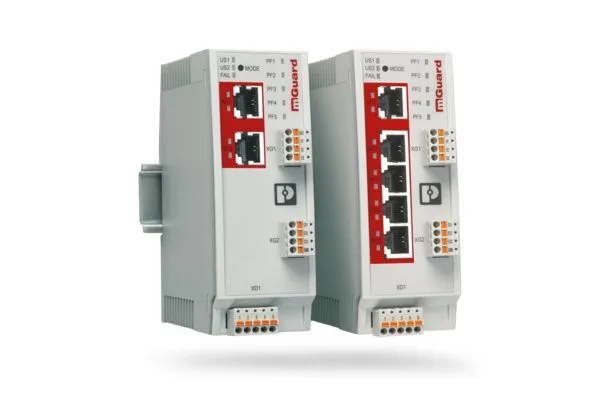
While a switch distributes traffic within the same network, a router manages the transition between different IP networks. Phoenix Contact’s range of industrial routers and cybersecurity solutions includes LAN/NAT routers, cellular connectivity options, VPN functionality, and security firewall features. The FL MGUARD 2100 and 4300 series are ideal for dividing machines or production areas and establishing secure remote maintenance scenarios. Although NAT can help adjust the existing machine IP addressing scheme to fit the higher-level network structure, it cannot resolve the root causes of address conflicts or uncontrolled data flows on its own.
A firewall rule is established based on the principle of “allowing only necessary traffic and blocking all other traffic” – specifically, by specifying the device, direction, protocol, and port involved. Temporary maintenance access should not be converted into permanent and widespread permissions. VPN tunneling encrypts data transmissions, but it does not automatically verify the identity of the user, the security of the end device, or the actions that will be performed after the connection is established. A personalized account, multi-factor authentication, temporary access permissions, event logging, secure key management, and procedures for disconnecting access are all essential components of a comprehensive security solution.
Phoenix Contact states that specific mGuard devices within its 2000 and 4000 product ranges have obtained the IEC 62443-4-2 certification, and that these products were developed in accordance with IEC 62443-4-1 certification requirements. This information should be read in conjunction with the specific product family, hardware/firmware version, and the manufacturer’s recommended security configuration guidelines. The use of certified devices does not automatically ensure that the entire installation complies with IEC 62443 standards; additional measures such as asset inventory management, risk analysis, zones and conduits, user management, patching procedures, backup systems, and incident response plans are still required.
Protocol integration with gateways and device servers
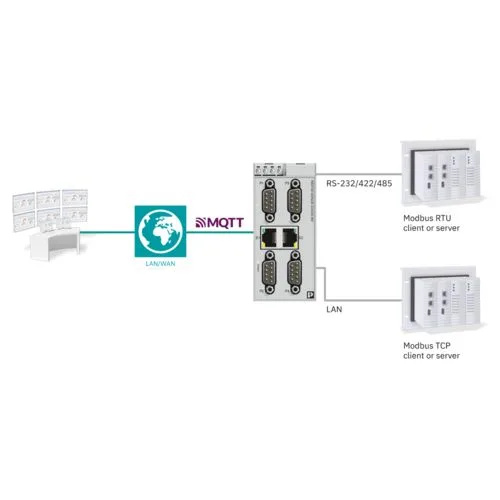
In existing machine fleets, serial interfaces, Modbus RTU, older fieldbus protocols, and newer Ethernet-based protocols may coexist. Phoenix Contact’s device servers enable standard serial devices to connect to Ethernet via virtual COM ports, TCP, or UDP. Gateway products provide conversion between Modbus RTU/ASCII and Modbus TCP; between Modbus and EtherNet/IP or PROFINET; and, in certain products, between Modbus and MQTT. However, protocol conversion does not imply that the data structures on both sides are identical. It is necessary to define the register map, data types, byte order, scaling factors, polling cycles, and error codes.
The GW MQTT/MODBUS family offers options for transmitting production data via local or cloud-based MQTT brokers, and Sparkplug B support is included among the specific product features. For process applications, modular gateway solutions are also available for transmitting HART data via HART-IP, Modbus TCP, PROFINET, or OPC UA. In these cases, it is essential to distinguish between control data and monitoring data. Disruptions in the connection to the higher-level system or the cloud should not prevent real-time control operations; mechanisms for buffering, timestamping, retransmission, and data ownership must be established at the architectural level.
Fibre optics, media converters and Ethernet extenders
In scenarios where copper Ethernet transmission is insufficient, the electromagnetic environment poses a risk, or galvanic isolation is required, a media converter or a switch with fiber ports can be selected. The type of fiber, connector type, line budget, and redundant fiber configuration must be determined before installation. While the use of fiber can reduce electromagnetic interference, improperly cleaned connectors, excessive bending, or additional losses beyond the optical budget can still lead to new failure points. Transceivers and SFP modules must be verified to ensure compatibility with the switch’s current specifications.
In modernization projects where it is necessary to reuse existing two-wire or coaxial infrastructure, Ethernet extenders can be utilized. The achievable distance and speed depend on the type, cross-section, connectors of the cables used, as well as the presence of interference in the environment. The maximum distances specified in the catalog do not represent guaranteed performance in all applications. It is essential to perform line measurements, conduct tests on actual cables, and verify packet loss under conditions of interference. Critical control traffic should not be assessed in the same manner as maintenance or monitoring traffic.
Selecting Industrial Wireless solutions
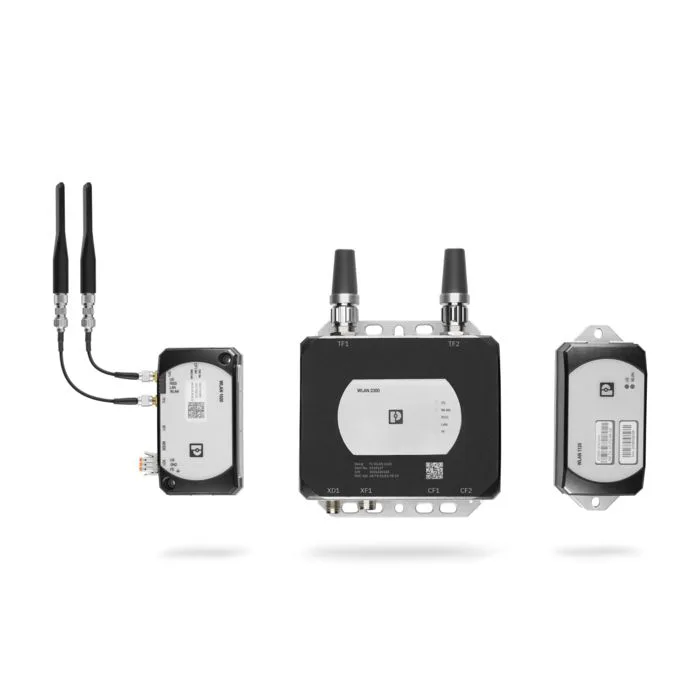
In its industrial wireless portfolio, Phoenix Contact offers technologies such as WLAN, Bluetooth, Trusted Wireless, NearFi, and LoRaWAN, each designed to fulfill specific application requirements. WLAN is optimized for high-performance Ethernet networking; Bluetooth is used for control or I/O connections in machine environments; Trusted Wireless is designed for long-distance serial and I/O data transmission over wide areas; NearFi enables wireless power transmission over very short distances as well as real-time Ethernet communication; while LoRaWAN provides low-power, long-range transmission of measurement data. These technologies are not necessarily alternatives to each other based solely on range—they differ in terms of latency, bandwidth, energy consumption, mobility, and spectrum usage.
For the Wi-Fi 6/6E options in the WLAN 1000 and 2300 series, the official documentation specifies support for 2.4 GHz, 5 GHz, and 6 GHz bands (depending on the product and country), as well as a maximum theoretical data rate of up to 2,400 Mbps and features such as WPA2/WPA3 encryption. The “theoretical” data rate does not represent the actual performance in use; the actual result is determined by factors such as channel bandwidth, number of connected devices, signal strength, interference, and protocol overhead. The use of 6 GHz must comply with local regulations and the specific model of the device being used. During site surveying, it is necessary to measure the location of access points, the type of antennas used, cable losses, the Fresnel zone, and the potential movement paths of devices.
| Network task | Phoenix Contact solution area | Key data required for a quotation |
|---|---|---|
| Simple distribution within a machine cell | Unmanaged FL SWITCH | Number of ports and speed, copper/fiber, power supply, installation, and temperature. |
| Diagnostic and redundant networks | Managed FL SWITCH | VLAN, redundancy protocols, timing, management, and firmware |
| Network segmentation and remote maintenance | FL MGUARD and industrial routers | IP plan, NAT, VPN, permission matrix, identity, logging, and certificate scope |
| Conversion between old and new protocols | Device servers and gateways | Source-target protocol, register/data model, cycle, and error behavior |
| Long routes or routes exposed to interference | Fiber switch, media converter, or Ethernet extender | Distance, cable/fiber type, optical budget, speed, and field measurement. |
| Mobile or wireless field equipment | WLAN, Bluetooth, Trusted Wireless, NearFi, or LoRaWAN | Range, amount of data transmitted, latency, mobility, as well as requirements regarding antennas and frequency bands used in different countries. |
Project planning and quotation checklist
- Generate a device inventory: Record the port number, protocol, IP address, speed, firmware, and physical location of each network node.
- Separate traffic classes: Define real-time control, safety, visualization, HMI, engineering, maintenance, and upper-layer system traffic in terms of their respective specific requirements.
- Draw the topology and the redundancy configuration: Evaluate ring, star, and backbone connections in terms of the accepted recovery time and failures caused by common factors.
- Select the physical environment: Choose between copper, M12, fiber, or wireless connections based on factors such as distance, EMC requirements, mobility, IP class, and ease of maintenance.
- Create cybersecurity zones: Specify the inter-cell permissions, the locations of routers/firewalls, the VPN users, and the logging policies.
- Prepare the protocol configuration: If a gateway is to be used, record the address, data type, scale, update interval, timestamp, and error value in the table.
- Test your capacity: Measure bandwidth, latency, packet loss, ring failover, and wireless roaming against acceptance criteria under normal and peak traffic.
- Plan your life cycle: Define configuration backup, spare devices, firmware updates, security notifications, and periodic access checks.
Oskon selects Phoenix Contact industrial communication products not only based on the list of available devices but also on the specific functions required by the network. The right switch, router, gateway, or wireless product is one that can transport control traffic in a timely manner, respond appropriately in the event of errors, provide visibility for maintenance teams, and only allow necessary communications to take place. The final product’s specifications—including the current data sheet, compatibility list, firmware functions, certification scope—must be confirmed through thorough network acceptance testing under actual field conditions.